 PushForm
Powerful tools that stay out of your way.
PushForm pairs the intuitive push/pull workflow designers love with a geometry engine that keeps every model a valid solid. Here's everything you can do with it, and what's coming next.
Draw exactly what you mean. Available
Smart inference reads your intent as you move. Lines snap to the points, edges and directions that matter, with visual cues that show you why.
Full drawing toolset
Line, Rectangle, Rotated Rectangle, Circle, Polygon, 2-point, 3-point and Pie arcs, and Freehand.
Inference that keeps up
Endpoint, midpoint, on-edge, on-face, center, intersection, parallel, perpendicular and tangent snaps, plus axis locks with Shift and the arrow keys.
Type it, don't fiddle
Enter exact lengths, radii and segment counts in the Measurements box while you draw, or right after you finish.
Draw on anything
Sketch directly on a solid's face to split it into regions you can push, pull or paint independently.
Push/pull, on true solids. Available
Pull any face or region to add material, push it to remove it. Every result is a watertight solid, from the first box to the final detail.
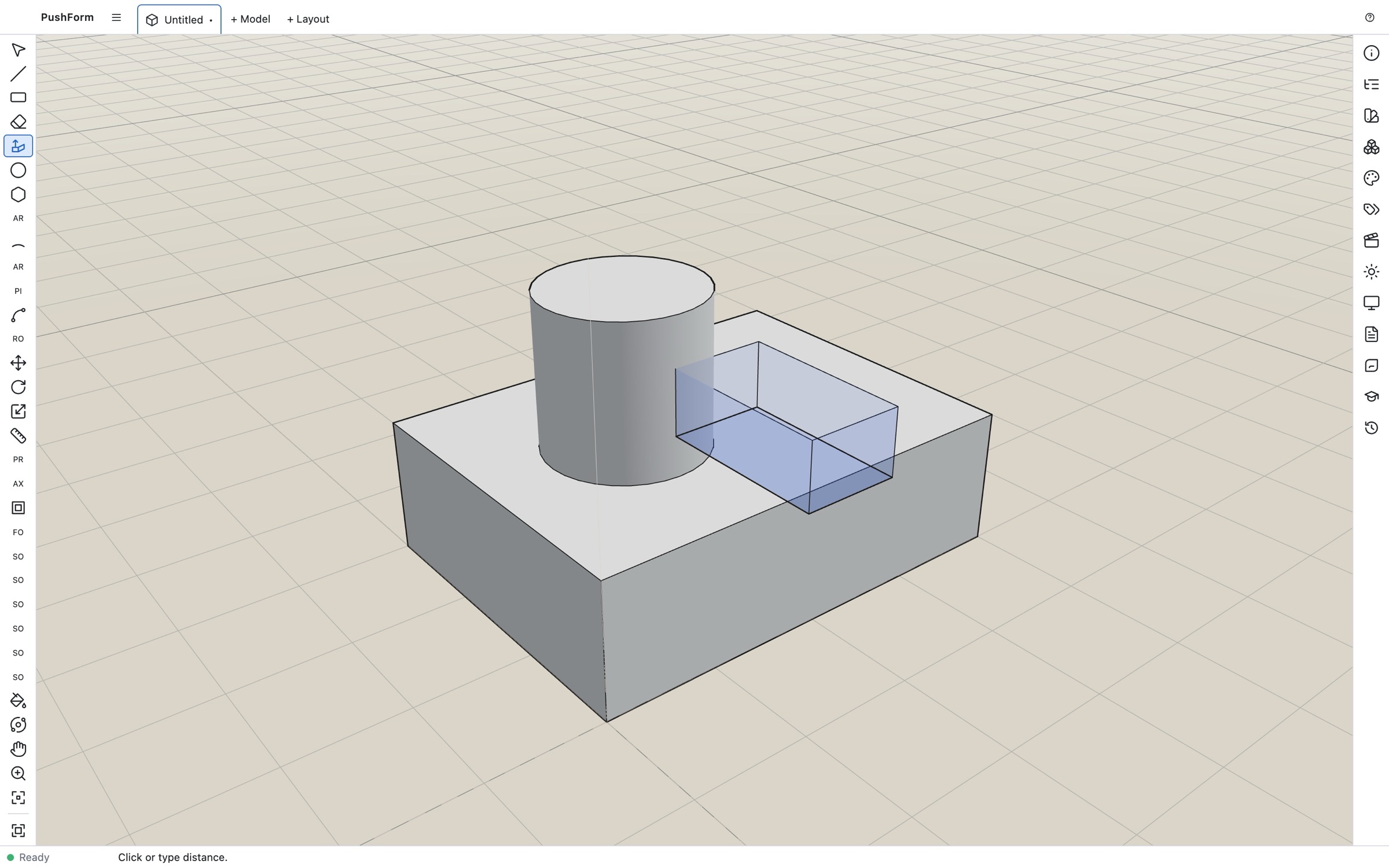
Live preview
See the real result while you drag, not a guess. Release when it looks right, or type a distance.
Clean through-holes
Push a shape all the way through and PushForm cuts a clean opening with no leftover skins.
Faces merge automatically
Pull a face flush with a neighbor and coplanar faces merge into one, just as you'd expect.
Stack a new solid
Hold a modifier key to pull a separate body off a face instead of growing the one you started from.
Shape, refine and repeat. Available
The editing tools you reach for every day, built so your model stays solid as you work.
Move, Rotate, Scale
Transform whole bodies or individual edges and vertices. Moving geometry autofolds faces to keep the solid intact.
Arrays in a keystroke
Copy as you move or rotate, then type x5 or /4 to build linear and radial arrays.
Offset & Follow Me
Offset face edges inward or outward, and sweep profiles along paths for moldings, rims and handles.
Measure & guide
Tape Measure, Protractor, guide lines and custom Axes help you lay out precise work.
Soften & smooth
Soften edges for curved surfaces that look smooth while staying accurate underneath.
Redo with new values
The Last Operation panel lets you change the parameters of what you just did and see the update instantly.
Booleans you can count on. Available
Because every body is already a valid solid, Solid Tools always have something reliable to work with. No more "this isn't a solid" warnings.
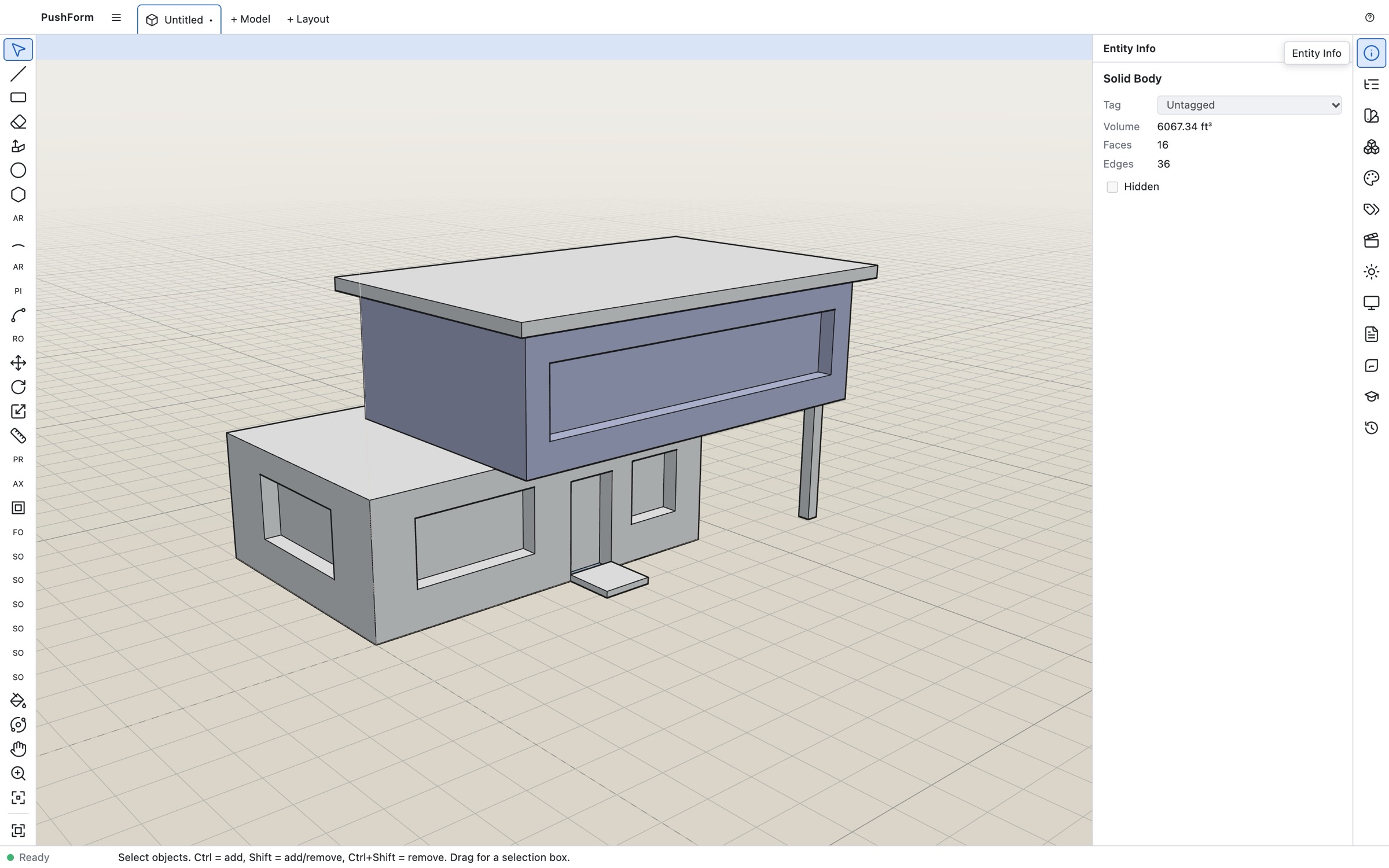
Union, Subtract, Intersect
Combine and cut bodies cleanly, even where faces line up exactly. That's the case push/pull modeling hits all the time.
Trim, Split, Outer Shell
Keep the cutter, divide bodies along their overlap, or wrap many bodies into one shell.
Details carry through
Materials, soft and smooth edges, curves and surfaces survive every boolean.
Intersect Faces
Cut sketch geometry against solids to create new edges exactly where they meet.
Make it look the part.
Change how your model reads without changing the model. Go from working view to presentation view in a click.
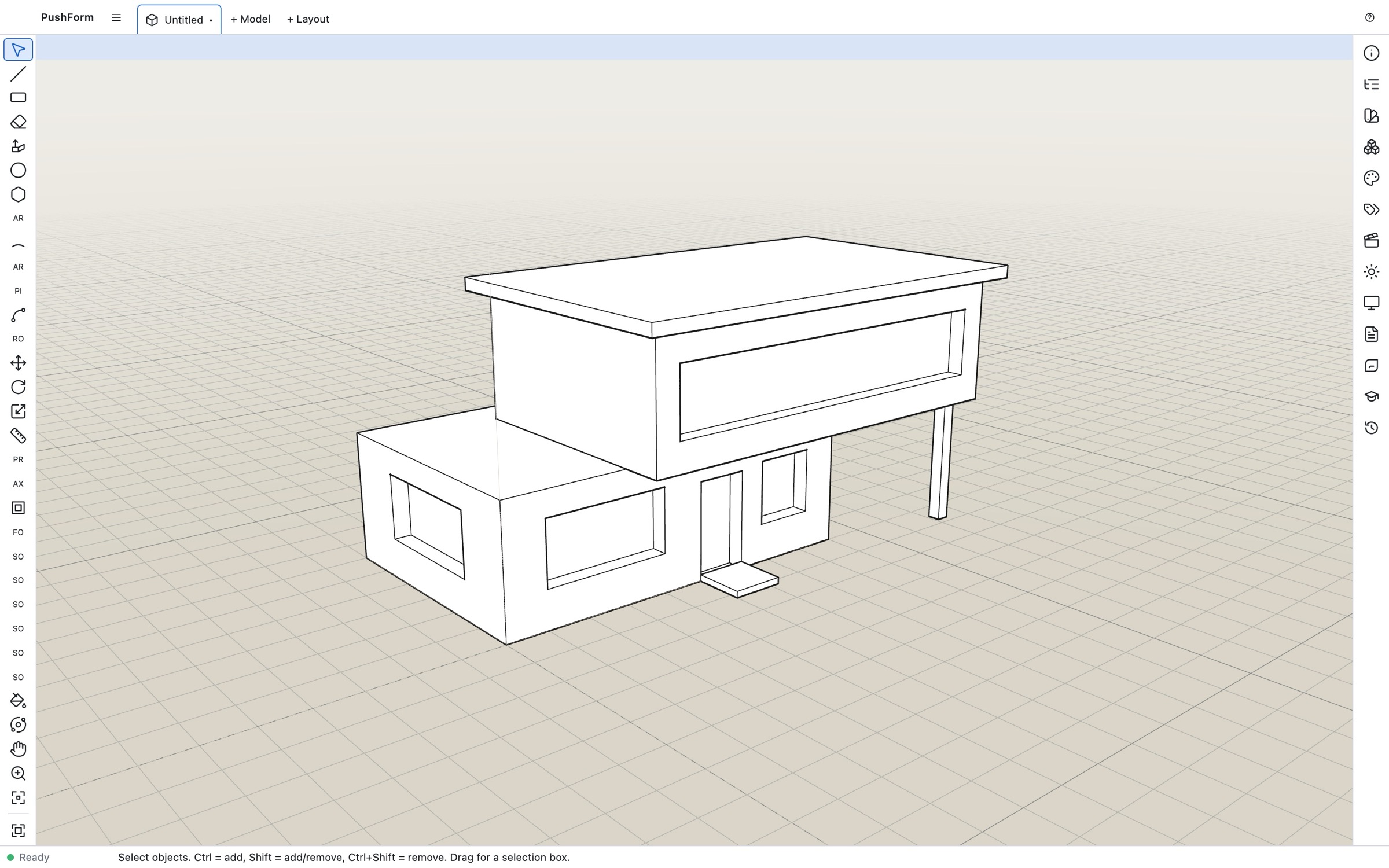
Face styles Available
Shaded, hidden line, wireframe, monochrome and X-ray, with edge, profile and back-edge toggles.
Sky & ground Available
Background gradients driven by the active style.
Sections, shadows & dimensions Roadmap
Section planes with fills, sun-accurate shadows, text, dimensions and 3D text.
Scenes, tags & materials Roadmap
Saved views, visibility by tag, and paint with colors and textures.
Layout documents Preview
Turn your model into paged 2D drawings with layers, shapes and title blocks.
Every version, every reviewer. Coming soon
Save to the cloud, keep your full history, and put your work in front of clients with a single link. Your local file always works too.
Revision history
Every save is a revision. Open any earlier version, name milestones and restore with a click.
Publish to clients
Send a secure, email-verified link. Clients orbit, measure and comment in the browser without an account or an install.
Teams & roles
Invite collaborators to your organization. Edit locks keep two people from overwriting each other.
Community & components
Publish openly, remix others' work, and insert reviewed parts from the shared component library.
Supported file formats
Bring models in, send them out. Imported meshes that are watertight come in as solids; anything else is kept as sheet geometry with a clear reason why.
| Format | Import | Export | Notes | Status |
|---|---|---|---|---|
| .pf (native) | Yes | Yes | Full model, history-safe IDs, thumbnail, autosave and recovery | Roadmap |
| STL | Yes | Yes | Watertight meshes become solid bodies | Roadmap |
| OBJ | Yes | Yes | Groups and materials | Roadmap |
| glTF / GLB | Yes | Yes | Hierarchy, materials and textures | Roadmap |
| DAE (Collada) | Yes | Yes | Hierarchy and materials | Roadmap |
| DXF | Yes | Yes | 2D and 3D | Roadmap |
| PNG / JPEG | Yes | Yes | Import as image or material; export 2D views | Roadmap |
| STEP | Yes | Yes | Optional module | Later |
Your muscle memory already works here.
If you've modeled in a push/pull app before, you already know how to use PushForm. The default keys are the ones your fingers expect.
| Tool | Key | Tool | Key |
|---|---|---|---|
| Select | Space | Push/Pull | P |
| Line | L | Move | M |
| Rectangle | R | Rotate | Q |
| Circle | C | Scale | S |
| 2-Point Arc | A | Offset | F |
| Eraser | E | Tape Measure | T |
| Orbit | O | Pan | H |
| Zoom | Z | X-ray | I |
See it for yourself.
The fastest way to understand PushForm is to pull your first shape. It's free in your browser.